# Drawing the Stage
## Adding Characters
|  |  |  |
| --- | --- | --- |
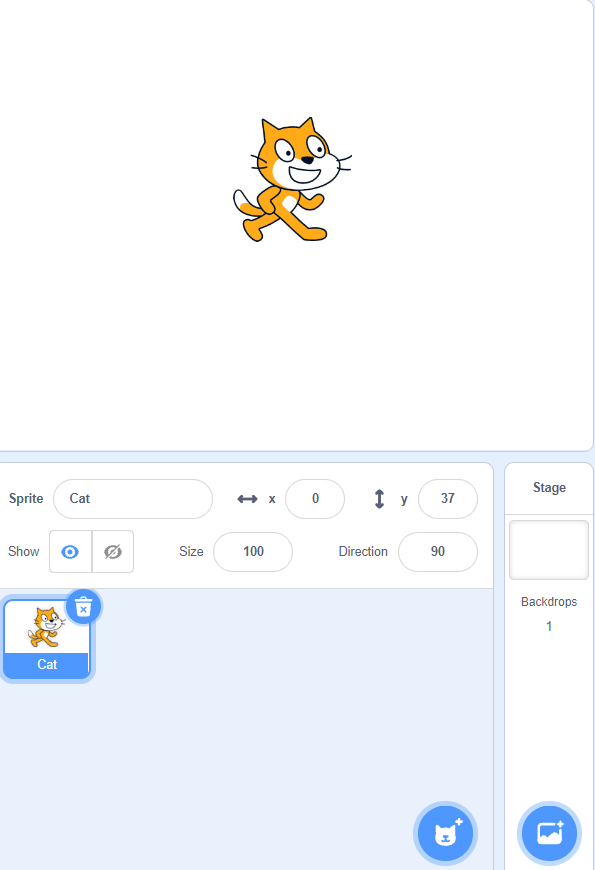
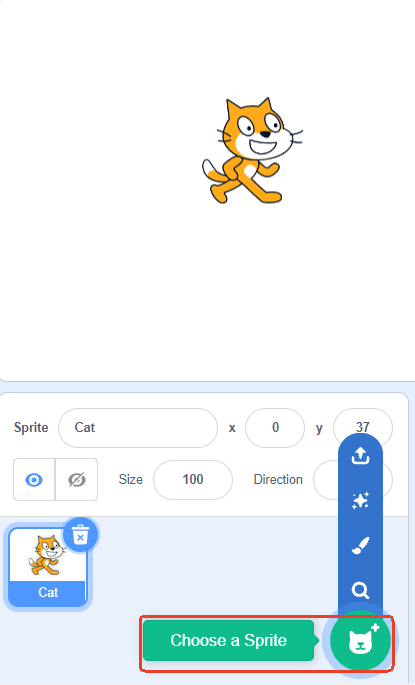
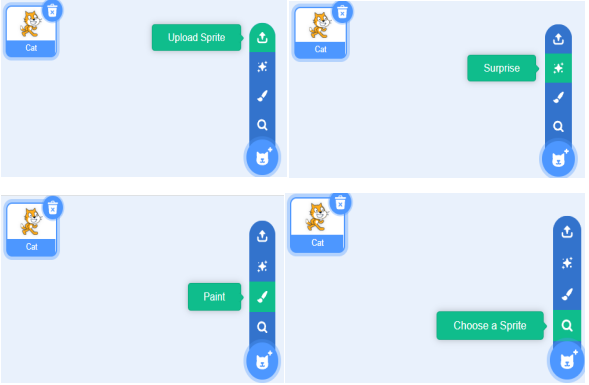
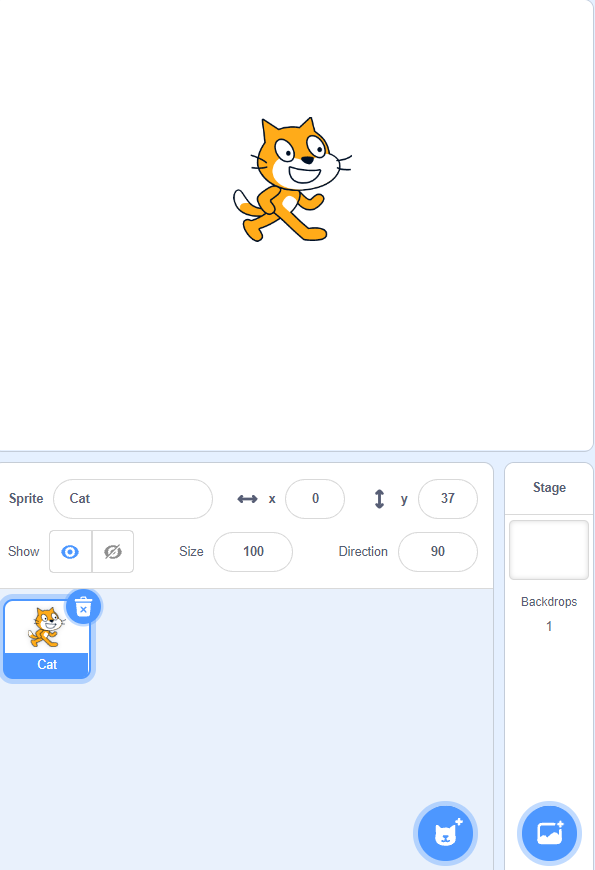
| Step 1: The default character is CAT. | Step 2: Add a new character by clicking to select a character. | Step 3: There are four ways to choose a character:
upload a character from your local device,
randomly use a built-in character,
select a built-in character,
or manually draw a character. |
## Adding Background
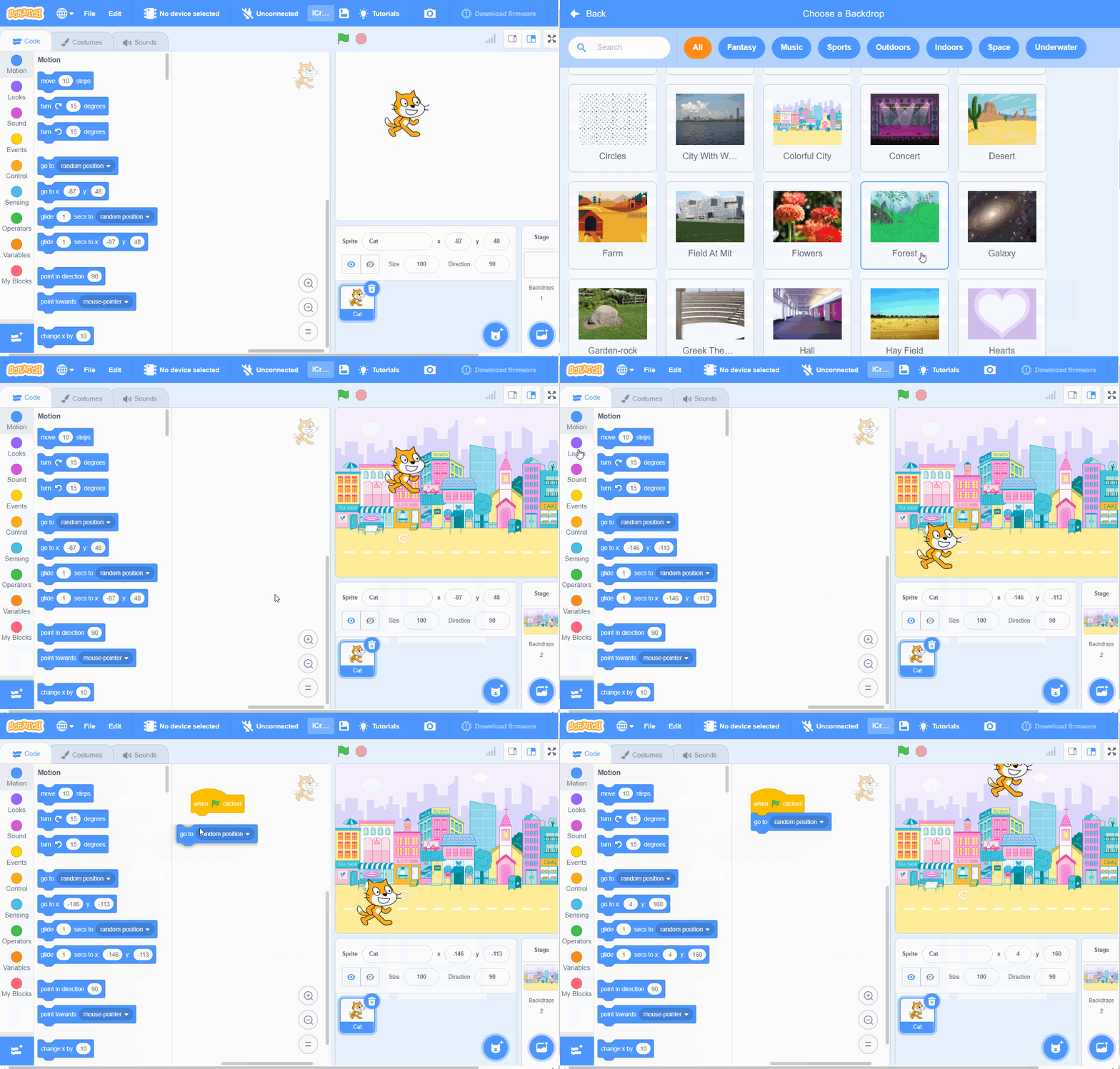
| 
| 
| 
|
| --- | --- | --- |
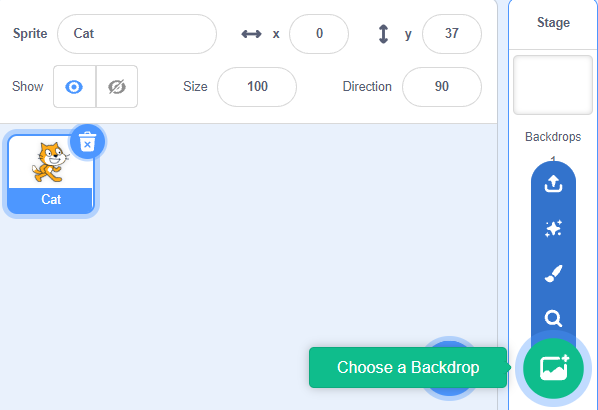
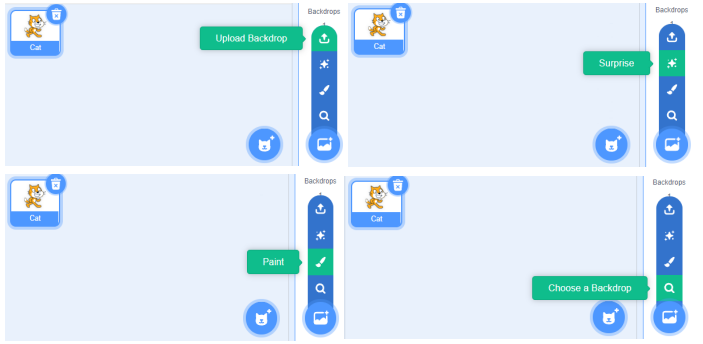
| Step 1: The default background is blank. | Step 2: Add a background by clicking to select a background. | Step 3: There are four ways to add a background: upload a background from your local device, randomly use a built-in background, select a built-in background, or manually draw a background. |
## Making Characters Move
### Example:
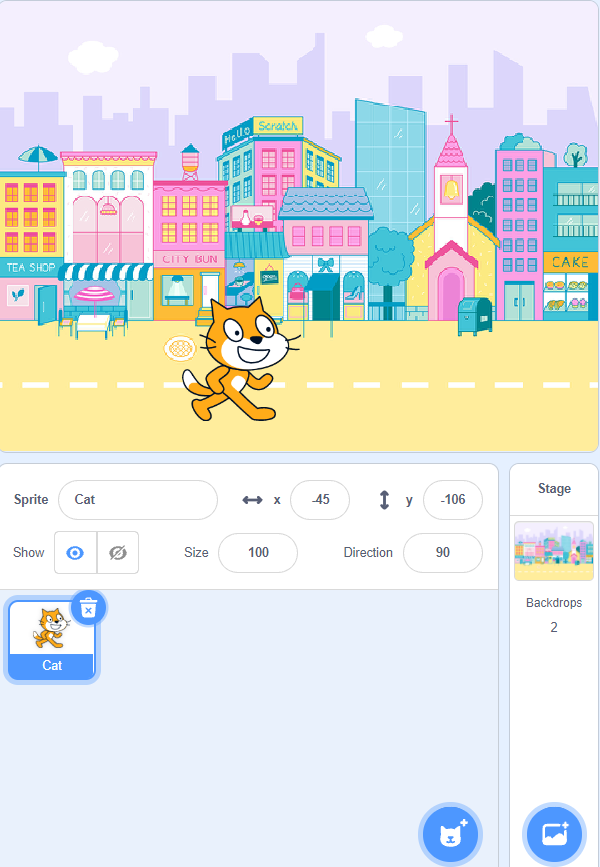
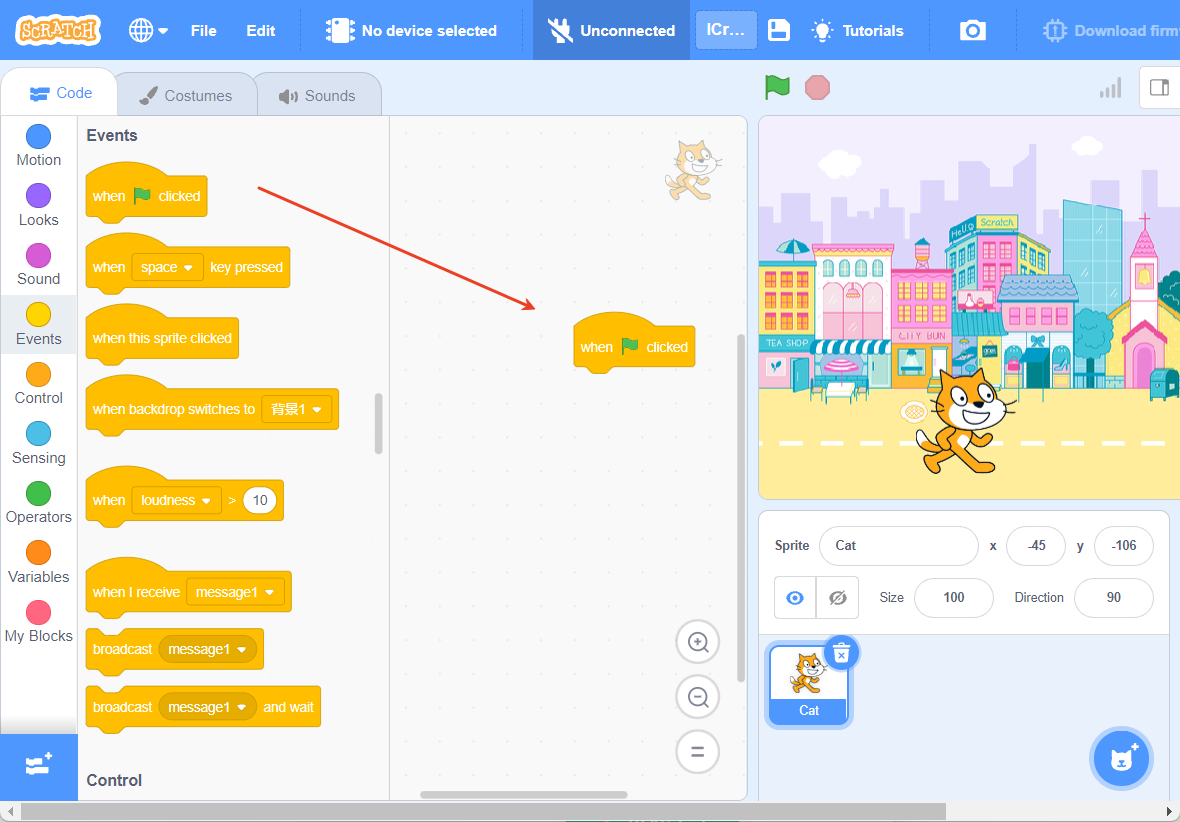
After adding a background and character, the character can move randomly when the green flag is clicked.
|  |  |
| :---: | :---: |
| Step 1: Add a background and character. | Step 2: In the "Events" commands, choose "When the green flag is clicked." 。 |
| 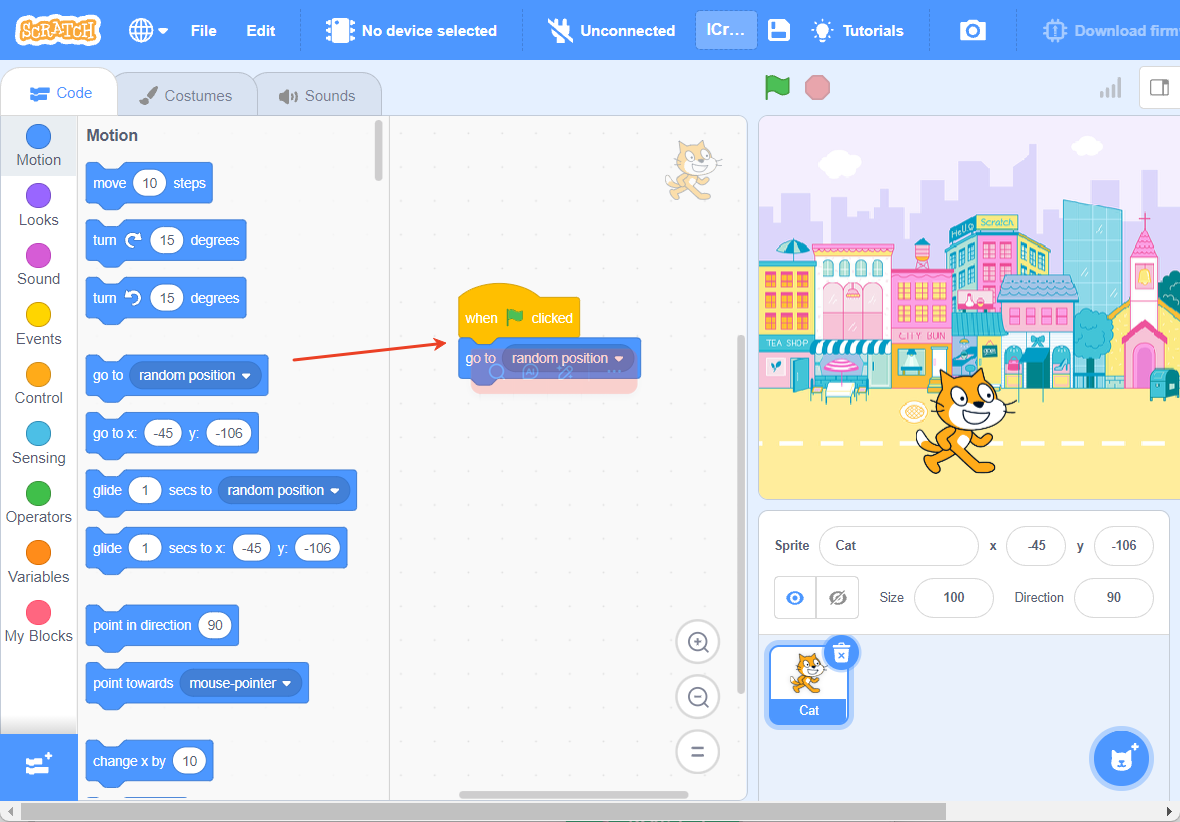 | 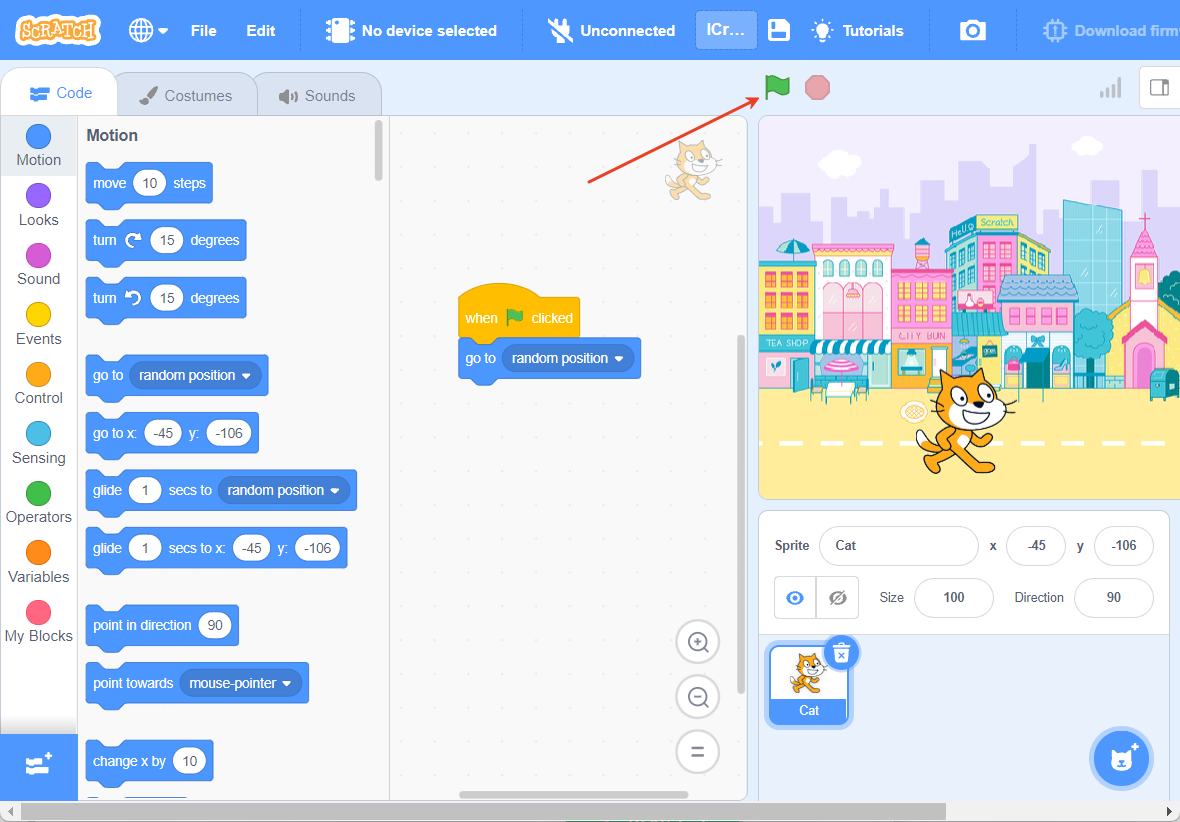 |
| Step 3: In the "Motion" commands, choose "Move to a random position." | Step 4: Click the green flag to start the program. |
### Effect Demonstration